01
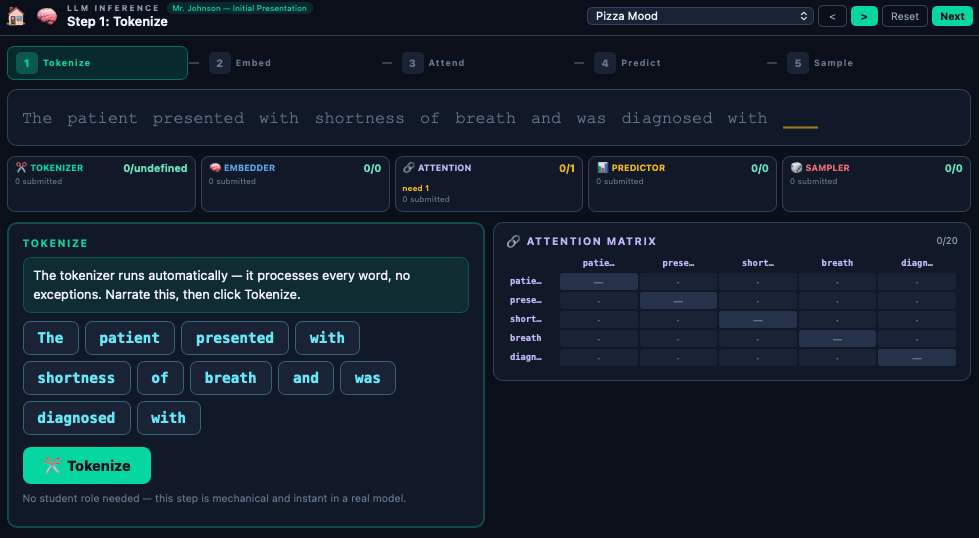
Instructor dashboard
Runs the scenario, controls pace, and sees live submissions from every role.
How it works
01
Runs the scenario, controls pace, and sees live submissions from every role.
02
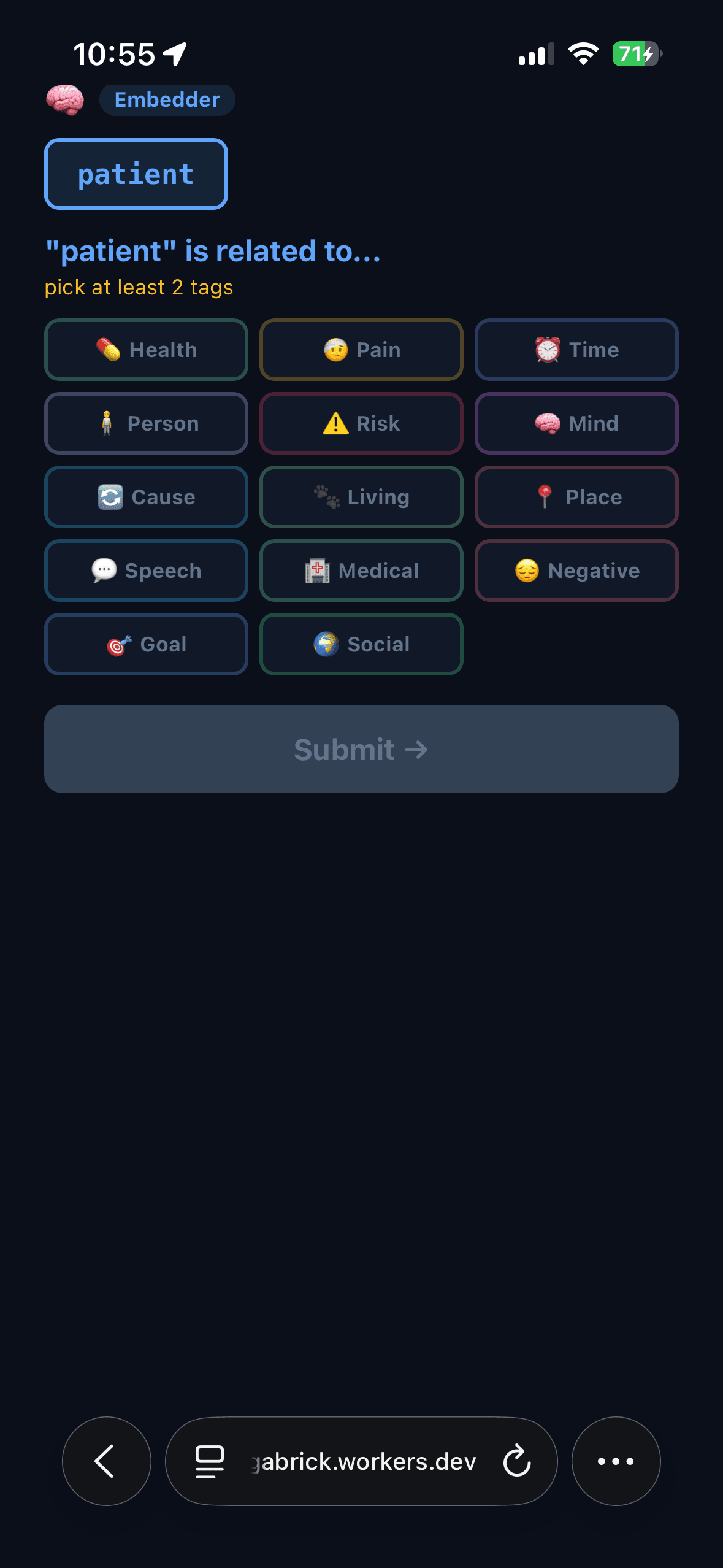
No app download. Each participant sees only their role and constrained task.
03
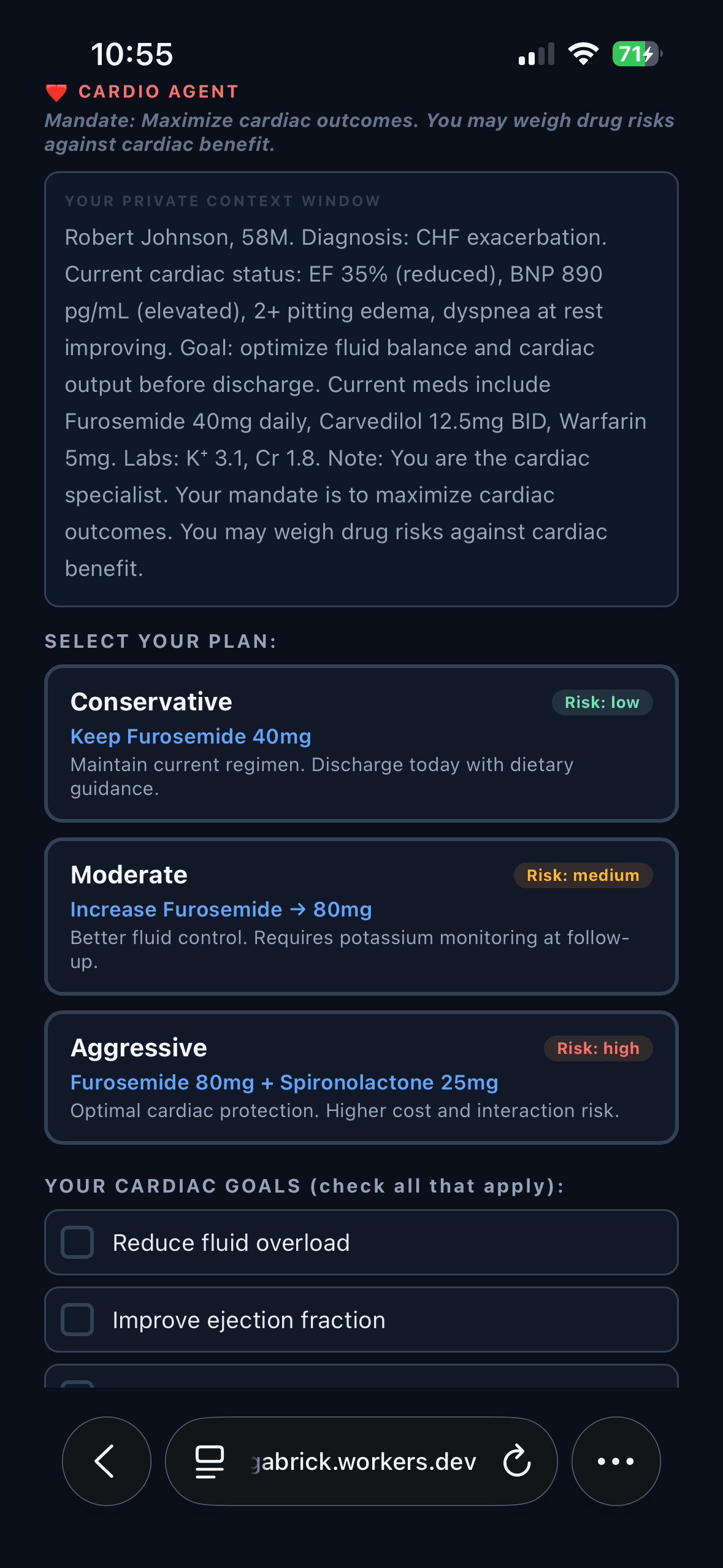
Each role has a private context window, a mandate, and a constrained set of choices.
Room flow
Introduce the scenario
Frame the use case, the stakes, and the roles in the room.
Assign the system roles
Participants join on their phones and see only the information tied to their role.
Reveal the output live
The room produces an answer together, with constraints, blind spots, and review points made visible.
Debrief the behavior
The facilitator connects what happened in the room to workflow design, trust, and AI adoption.
Why it works